
Your hosting decides how fast your PrestaShop store loads, how it copes with a busy sale and how quickly you recover when something breaks. A slow or unreliable host costs you orders, and moving a live store later is a job most merchants would rather avoid.
This guide explains what PrestaShop needs from a server, what to check before you buy a plan, and six hosts that are worth a look. Plans, prices and uptime guarantees change often, so treat the notes below as a shortlist and confirm the current terms on each provider's site.
What PrestaShop needs from a host
PrestaShop is a self-hosted, open-source PHP application, so the server has to meet its technical requirements:
PHP version. PrestaShop 9 needs PHP 8.1 or newer. PrestaShop 8 runs on PHP 7.2 to 8.1. Pick a host that lets you choose the PHP version per site, because you will need to change it when you upgrade PrestaShop.
Database. MySQL 5.7 or newer, or MariaDB 10.2 or newer.
Memory. The PrestaShop docs recommend a PHP memory limit of at least 512 MB. Cheap shared plans sometimes cap this lower.
Standard PHP extensions such as cURL, GD, Intl, Zip and mbstring. Most hosts enable these by default.
Check the official PrestaShop system requirements page for the exact versions supported by the release you plan to run.
What to look for in PrestaShop hosting
Speed
Look for SSD or NVMe storage, server-level caching (LiteSpeed, Varnish or Redis) and a data centre close to your customers. Speed affects conversion and search rankings, so test the host's demo or trial with your own theme and modules if you can.
Room to grow
Shared hosting is fine for a new store with modest traffic. As your catalogue and traffic grow, you will want a plan you can upgrade to a VPS or cloud server without a painful migration. Ask how upgrades work before you sign up.
Uptime
Most hosts advertise 99.9% uptime or better. Read what the guarantee actually covers. Usually it is a partial refund of hosting fees, not compensation for lost sales, so the host's track record matters more than the number on the sales page.
Security and backups
You need free SSL, a web application firewall, malware scanning and automatic daily backups that you can restore yourself. Keep your own off-site backups too, and keep PrestaShop and its modules updated, because outdated modules are a common way stores get compromised.
Staging
A staging copy of your store lets you test PrestaShop upgrades, new modules and theme changes before they hit the live site. Not every budget plan includes one.
Support that knows PrestaShop
24/7 support is common. Support staff who understand PrestaShop errors, module conflicts and PHP settings are less common. Ask a technical question before you buy and see how good the answer is.
Types of PrestaShop hosting
Shared hosting: cheapest; your store shares a server with other sites. Good for starting out.
Managed hosting: the host installs, updates and tunes the server for you. Good if you don't have a technical team.
VPS hosting: your own slice of a server with guaranteed resources and full control. Good for growing stores with someone to manage the server.
Cloud hosting: resources you can scale up or down. Good for stores with seasonal peaks.
Dedicated servers: a whole machine for large, high-traffic stores.
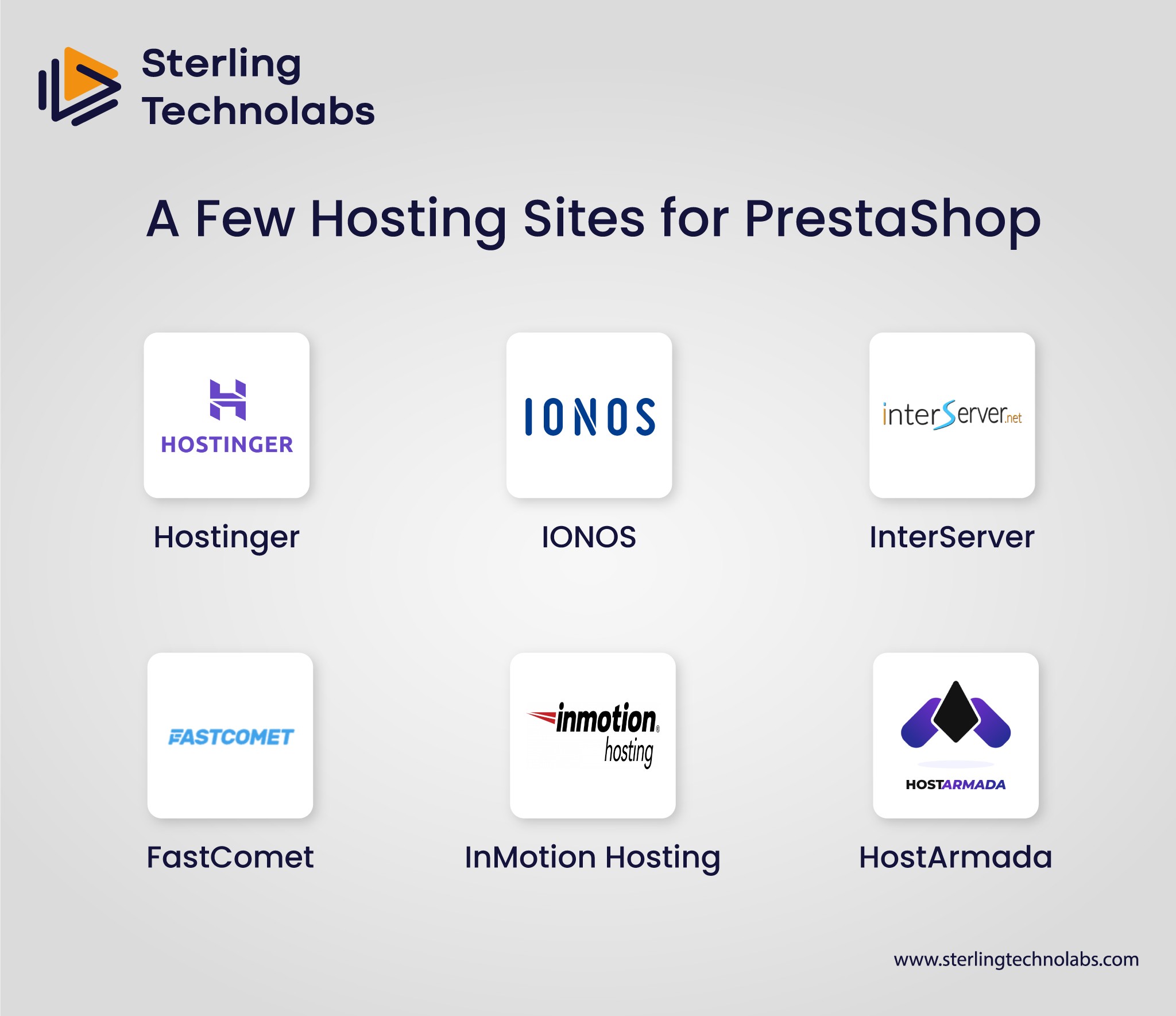
6 PrestaShop hosting options worth considering
1. Hostinger: best for small stores on a budget
Hostinger offers dedicated PrestaShop hosting with a one-click installer, LiteSpeed web servers, free SSL and its own easy control panel. Its entry plans are among the cheapest you will find, and you can move to its VPS plans as the store grows. It is a good starting point for a new or small store.
2. IONOS: good for hands-on support
IONOS offers one-click PrestaShop installation and is known for giving customers a personal consultant as a named contact. That suits merchants who want a person to call rather than a ticket queue. Its range runs from shared hosting to cloud and dedicated servers.
3. InterServer: good for predictable pricing
InterServer is known for its price-lock policy on shared hosting, which means the renewal price does not jump after the first term. PrestaShop installs through its control panel, and it also sells VPS plans when you outgrow shared hosting.
4. FastComet: good for a pre-configured setup
FastComet has a PrestaShop-specific hosting plan with the software pre-installed, caching enabled and security tools such as a firewall and malware scanning. It is a reasonable option if you want a store that works well without much server tuning.
5. InMotion Hosting: good for performance and VPS options
InMotion offers NVMe SSD storage on many plans, server-side caching and a wide range of VPS and dedicated servers. It suits stores that expect to grow into a more powerful server and want to stay with one provider.
6. HostArmada: good for managed PrestaShop hosting
HostArmada runs cloud SSD hosting and offers managed help for PrestaShop, including free installation of the script, themes and modules, plus help with transfers and staging. It is a good fit if you want the host to handle the technical setup.
How to choose
New store, small budget: start with shared or managed hosting from a provider that offers an easy upgrade path.
Growing store with seasonal peaks: choose cloud or VPS hosting with resources you can scale.
Large catalogue, many modules or custom code: use a VPS or dedicated server managed by your own team or a development partner.
Whatever you choose, test page speed after launch, set up uptime monitoring, and confirm that backups actually restore.
Conclusion
The best PrestaShop host is the one that fits your traffic, budget and technical skills today and can grow with you. Check the PHP and database requirements first, then compare speed, backups, staging and support. Once you have a shortlist, confirm current prices and uptime terms directly with each provider.
If you are planning a new PrestaShop store, a migration or a move to another platform, our e-commerce development team can help. You may also find our guide to e-commerce replatforming useful.

FAQs
What support do PrestaShop hosting providers usually offer?
Most offer 24/7 support by live chat and ticket, and many add phone support. Some, such as IONOS, give you a named contact. The quality of PrestaShop-specific help varies a lot, so test it before you commit.
Are there hosts that offer managed PrestaShop hosting?
Yes. Hosts such as HostArmada and FastComet offer managed or pre-configured PrestaShop plans where they handle installation and server setup. You are still responsible for your store's content and, usually, for updating PrestaShop modules.
How does hosting affect the scalability of a PrestaShop store?
Your plan sets the CPU, memory and database resources your store can use. If traffic grows past those limits, pages slow down or fail. Choose a provider that lets you move from shared hosting to a VPS or cloud plan without rebuilding the store.
How much does PrestaShop hosting cost?
Shared hosting is the cheapest, VPS and cloud hosting cost more, and dedicated servers cost the most. Watch for low introductory prices that rise at renewal, and add the cost of backups, a CDN and any paid modules when you compare plans.

Send us your brief. We’ll help turn it into reality
A senior engineer replies within one business day with questions or a first plan: approach, team, timeline and estimate.
:: Keep reading


